
How to Use Merlin Bird ID: A Beginner's Walkthrough
Merlin Bird ID is a free Cornell Lab app that names birds by sound, photo, or five simple questions. Here's how to set it up and use it well.
Key takeaways
- Sound ID works without a regional Bird Pack and without a live internet connection.
- My Offline Birds stores regional reference information; it is separate from the Sound ID model.
- Stop and tap Save to keep a sound session on your phone. Saving audio is not submitting an eBird checklist.
- Treat every identification as a suggestion until you verify it.
Merlin Bird ID is Cornell Lab's free bird-identification app for iOS and Android. Start with the phone you already have. This walkthrough follows Cornell's current documentation, checked October 5, 2026; it is not a firsthand test on a mobile device. Labels can differ between app versions.
Start with one bird
Install Merlin Bird ID by Cornell Lab from your device's official app store. Follow its setup prompts, allow microphone access for sound identification, and check that the displayed location is correct.
Open Sound ID somewhere quiet, stay still, leave the microphone uncovered and record for at least 30 seconds. Stop the recording, compare the suggested species with reference audio and what you heard, then tap Save to keep the session. Do not approach or disturb a bird to improve the recording.
Try this near home first. One bird you can listen to carefully is a better learning exercise than a long list of unconfirmed names.
Sound ID and offline reference are separate
You do not need a Bird Pack for Sound ID. Cornell says Sound ID operates without a live connection. Regional downloads provide reference material rather than unlocking sound recognition.
For offline reference, look in Settings → My Offline Birds and download the region you will visit while connected. Confirm that its information opens before leaving. If you cannot find an older “Bird Packs” menu, check this newer label and update the app through its store. Leave room for downloads and use Wi-Fi if your data allowance is limited.
Choose an identification method
| What you have | Try | Your next check |
|---|---|---|
| A clear bird sound | Sound ID | Compare a reference recording and the bird's location/season |
| A photograph | Photo ID | Check the bill, pattern and shape against the suggestion |
| A visual observation | Step-by-Step ID | Enter the observed size, colour and behaviour without guessing |
Save audio, a personal bird record or an eBird checklist
These are different actions. After stopping a sound session, use Save; saved sessions are stored on the phone and are not automatically uploaded to Cornell or eBird. Export important recordings before replacing the device or removing the app.
For a personal life-list entry, use the app's bird-saving flow only after confirming the identification. For a scientific checklist, open eBird and report what you actually observed. A sound suggestion alone is not a confirmed sighting, and saving a Merlin recording does not submit a checklist.
Troubleshoot the result you are seeing
No species appears
Move away from traffic or machinery if you can do so safely, keep the microphone clear and make a short fresh recording. A distant, brief or unsupported sound may remain unidentified. Downloading more regional reference packs does not add species to the Sound ID model.
The location is wrong or unknown
Check the location shown in the session and your device's location permission. Cornell's guidance says an unknown recording location can be edited with Change Location while connected. Do not choose a location simply because it makes an unusual suggestion appear plausible.
A rare or unexpected bird appears
Listen again, compare the reference sound and check season and range. A mimic, background noise or another similar bird can cause a wrong suggestion. Keep it unconfirmed when the evidence is insufficient; do not add it to eBird just because it appeared on screen.
You cannot find a saved sound
Look for saved Sound ID Sessions; older versions may use different wording. A recording must be saved after you stop it. Audio is local to the phone, so account sign-in alone does not establish that it was backed up.
Your next ten minutes
Use the ten-minute watch. Write down one visible or audible clue before checking the app, then compare the suggestion. Finish with one confirmed bird or one honest unknown. Continue with the Curious level and its field sheet; if you are ready to record complete visits, use the eBird guide.
You do not need to buy a recorder to do this exercise. The bird-song gear page is optional for later.
Optional gear for learning bird sound
Merlin itself is free. These are only for people who want a dedicated recorder or an always-listening yard device.
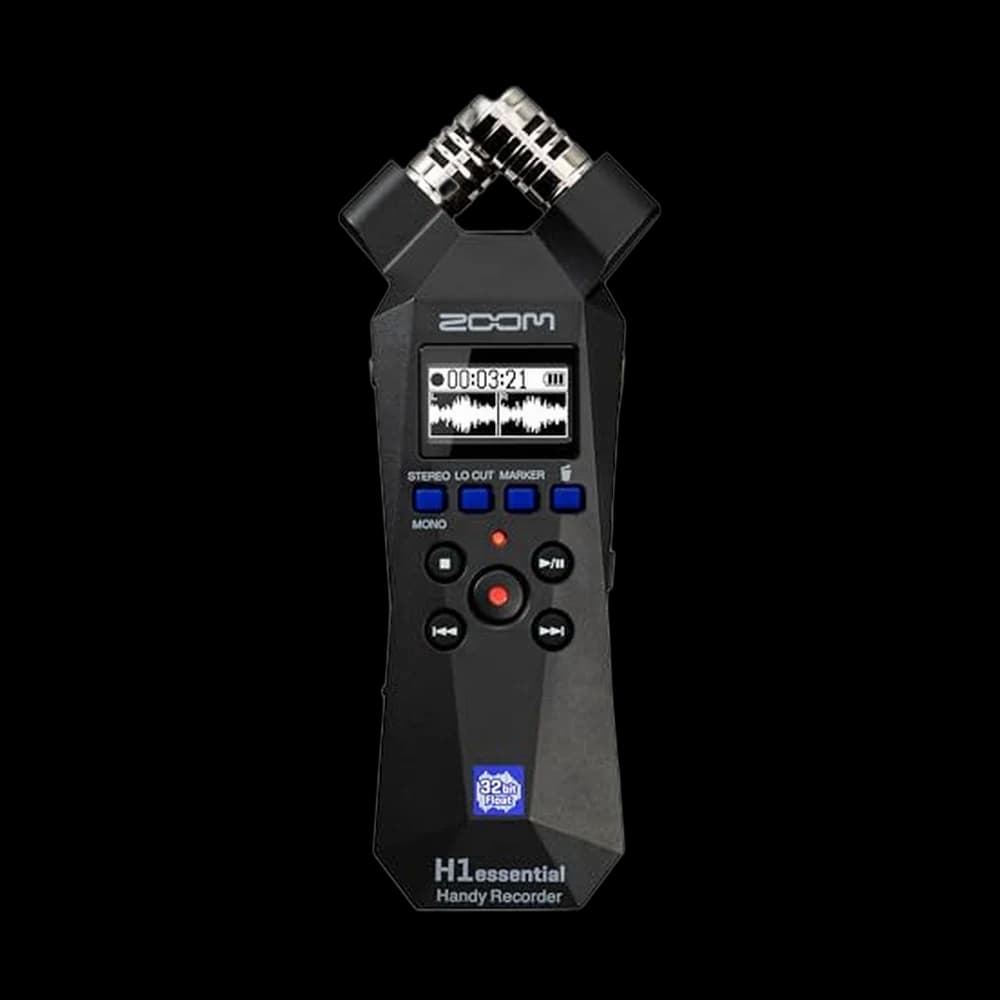
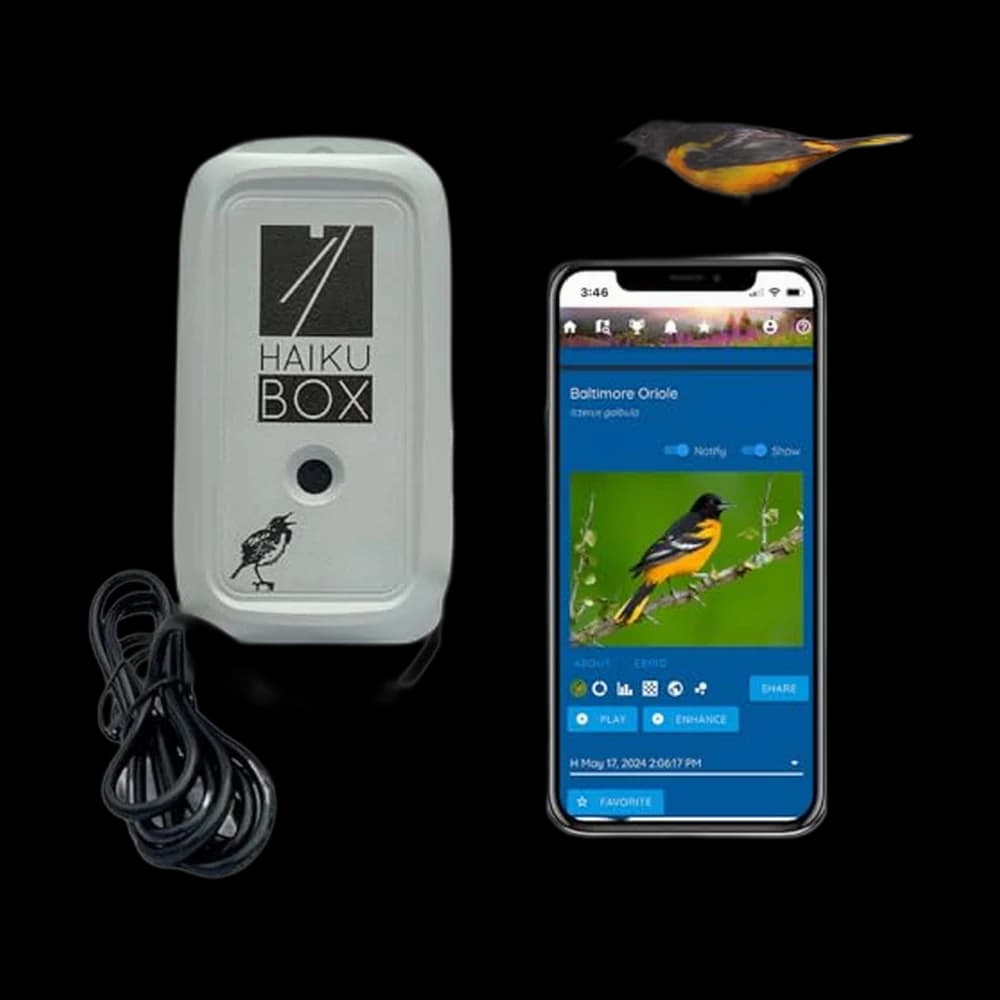
Ready to go beyond the phone app?
Frequently asked
Does Merlin Sound ID need a Bird Pack?+
No. Cornell says Sound ID works without Bird Packs and without a live internet connection. Regional downloads are for offline reference information.
Where did the Bird Packs menu go?+
Current Cornell instructions call the reference download area My Offline Birds in Settings. Labels may vary with app version.
Does saving a Merlin recording submit it to eBird?+
No. Save keeps the sound session on your phone. Verify the bird and submit a separate eBird checklist if you want to report it.
Why is Merlin not identifying the bird?+
Noise, a blocked microphone, distant sounds or unsupported species can prevent a result. Try a quiet recording and check the location; accept an unknown when the evidence is insufficient.
Sources & further reading
We research from primary and authoritative sources. Where our guidance rests on a fact, here's where it comes from.
- Sound ID — Official Cornell instructions checked October 5, 2026.
- My Offline Birds — Official Cornell instructions checked October 5, 2026.
- Sound ID best practices — Official Cornell instructions checked October 5, 2026.
Prices and BirdingScores reflect our most recent research and refresh on a cycle; confirm the live price before buying. We may earn a commission from affiliate retailers — it never changes our recommendations. See how we review.